
Only assigned computers appear
Each employee sees only the work computers assigned to their account.
Sign in with your company account, choose an assigned work computer, and continue on the same screen from the office, home, or field.
Gleezor Connect opens a work computer that lives on your company Gleezor server. The app alone has nothing to open — if your company does not use Gleezor yet, see Gleezor Enterprise first.
Each employee sees only the work computers assigned to their account.
Employees sign in and choose a computer without memorizing addresses or port numbers.
Install the app, sign in with your company account, and continue on the same work screen.
In this app an employee only chooses and opens. Assignment, revocation, and control belong to the company console.
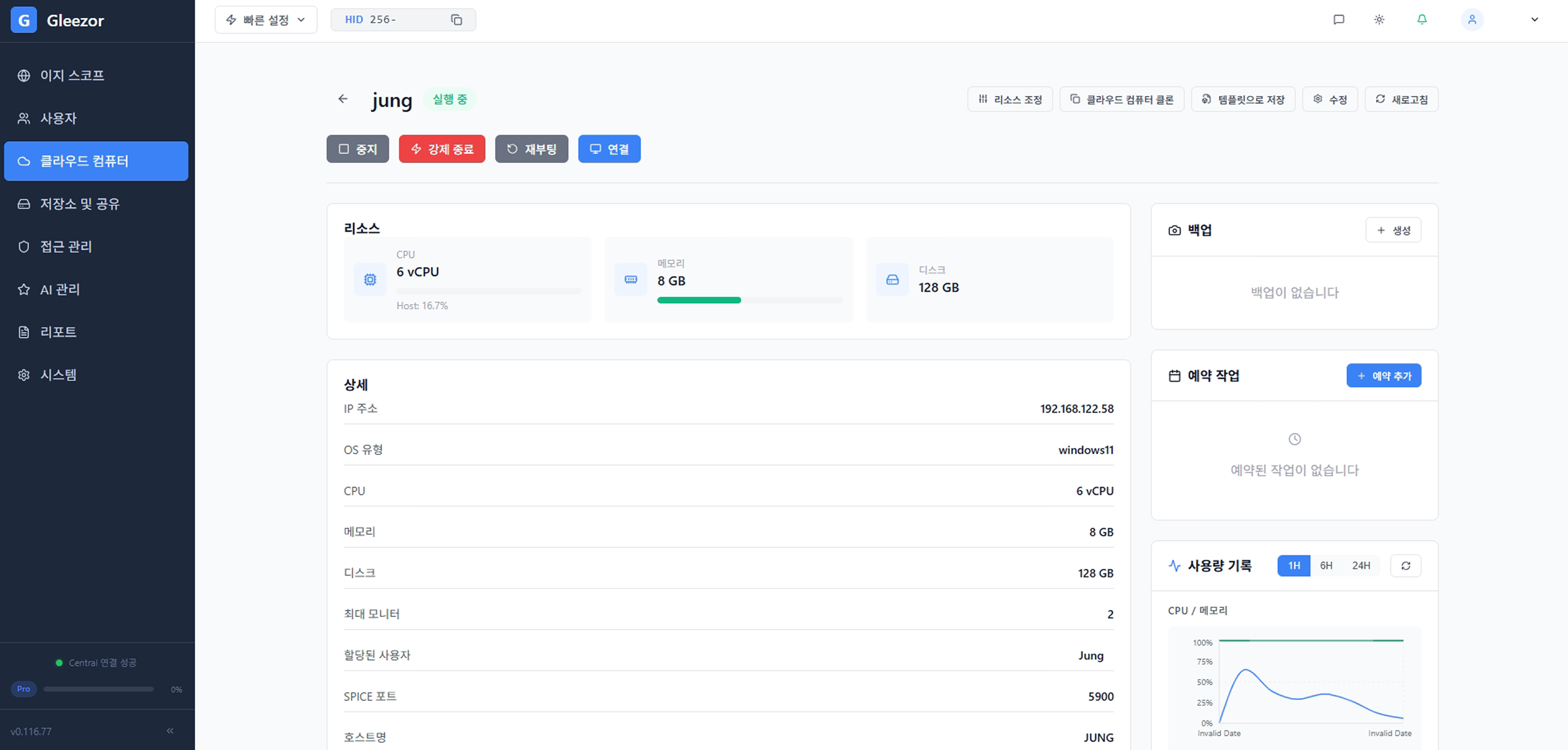
No server addresses, port numbers, or VPN settings to memorize. After sign-in you only see work screens assigned to you — choose one and it opens. That is all an employee does.
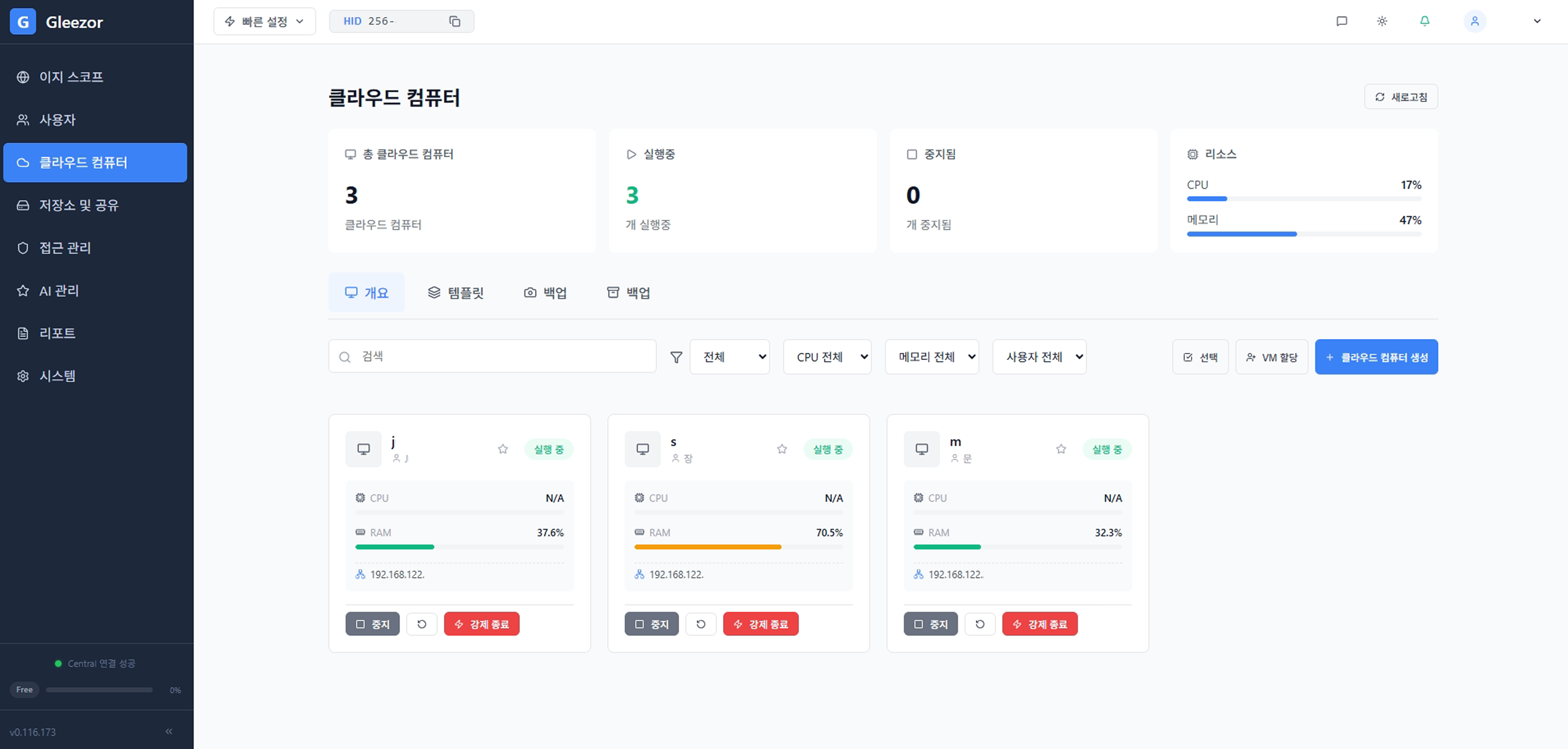
Assigning and revoking access happens in the company console, not in this app. Cutting off a departed employee is done in that one place too.
Management lives in Gleezor EnterpriseApp → company Gleezor server → your work screen
Installing the app shows nothing unless your company runs a Gleezor server. Companies start with Enterprise; individuals start with NAS & AI.
Explore adoptionSee the simple path from sign-in and computer selection to an open work screen.
Gleezor is two products plus two components inside them. Check that you are in the right place.
Offices with 10–49 people that want setup and operations handled for them
Files, backup, employee workspaces, and the AI staff on one company server. We handle hardware, installation, training, and operations — no computer knowledge needed.
Start: Contact us, then decide after a trial
Individuals and SOHO users comfortable installing it themselves
File storage, backup, and document AI you install on your own computer. Free to start, with hands-on settings.
Start: Free download, self-install
Employees at companies using Gleezor
The Windows app that opens your work screen. Not sold separately — it comes with the products above.
Start: Free download, sign in with your company account
Users of both products
The in-house AI staff that answers from permitted documents and drafts recurring paperwork. Included in both products, not sold separately.
Start: Start with Enterprise or NAS & AI