
Console alerts
Issues appear where the operator looks first.
Gleezor Enterprise for offices of 10-49 people. We handle hardware, installation, and staff training — decide after you try it.
Individuals, SOHO, or comfortable self-installing? See Gleezor NAS & AI instead — free to start.
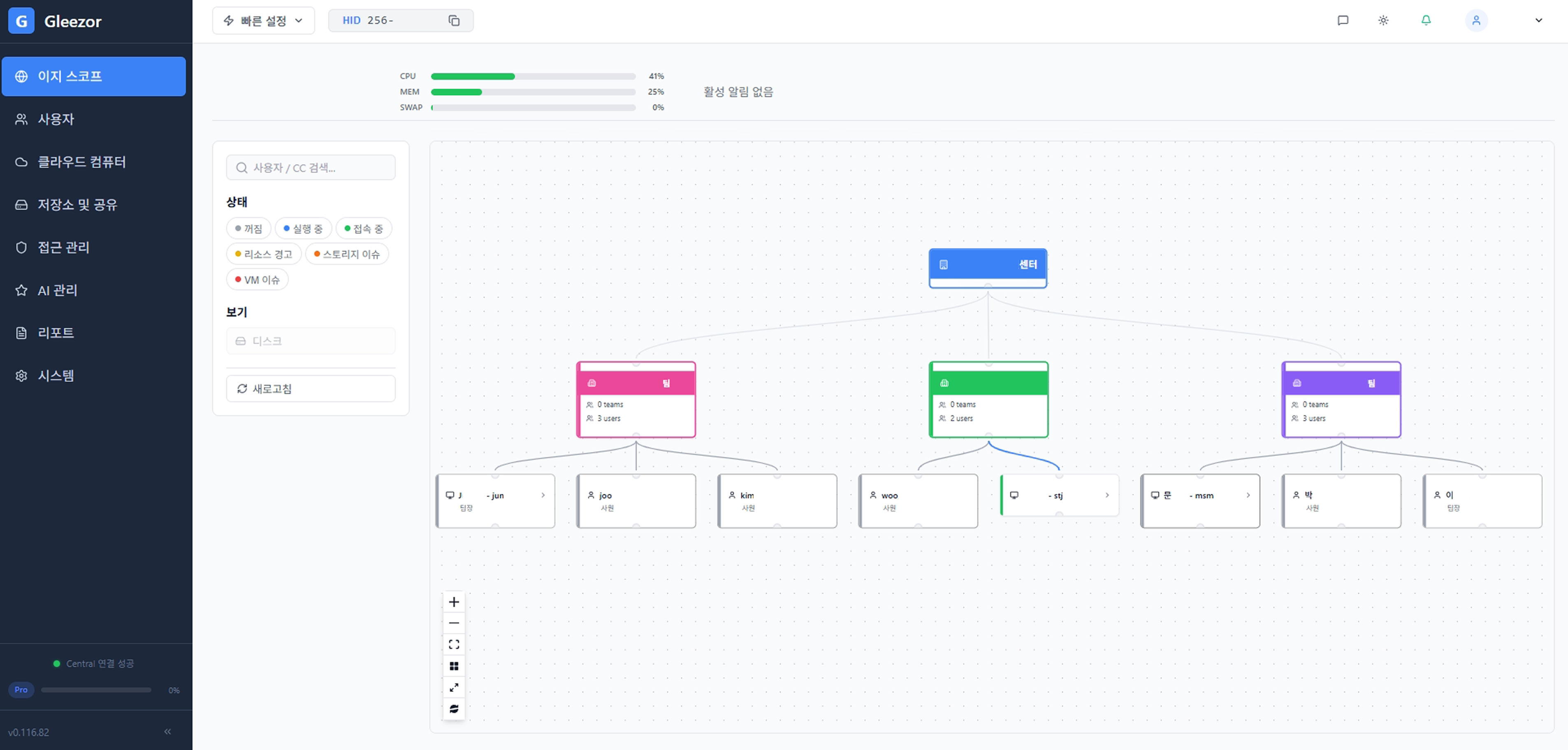
Issues appear where the operator looks first.
Disk, backup, and access issues can also arrive by email.
Headquarters can review the case and guide the next step even without in-house IT staff. Remote work starts only after on-screen approval and is kept as a record.
Routine work such as checking status, adding users, creating teams, and assigning permissions is organized as clear screen flows. If something goes wrong, console and email notices can trigger remote support from headquarters.
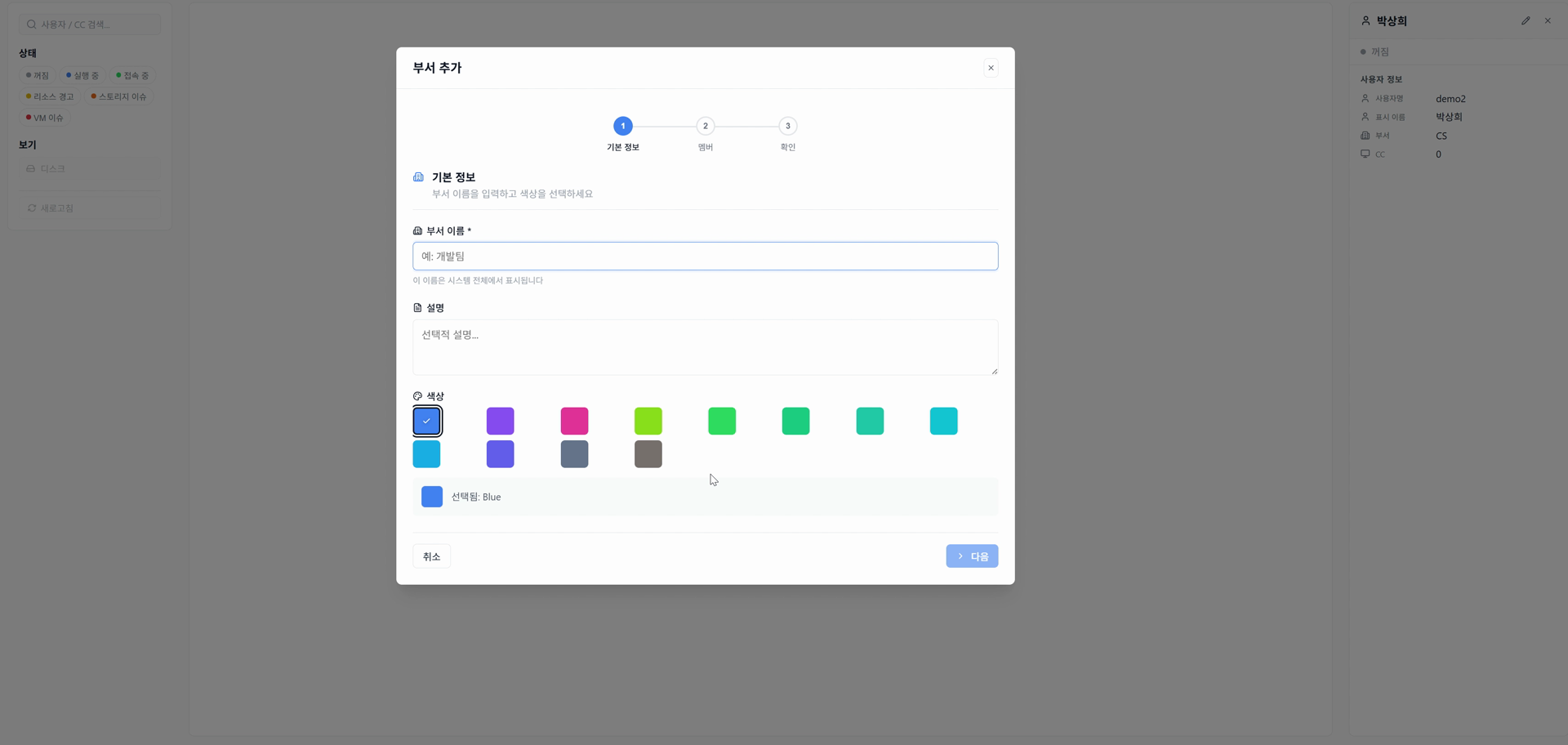
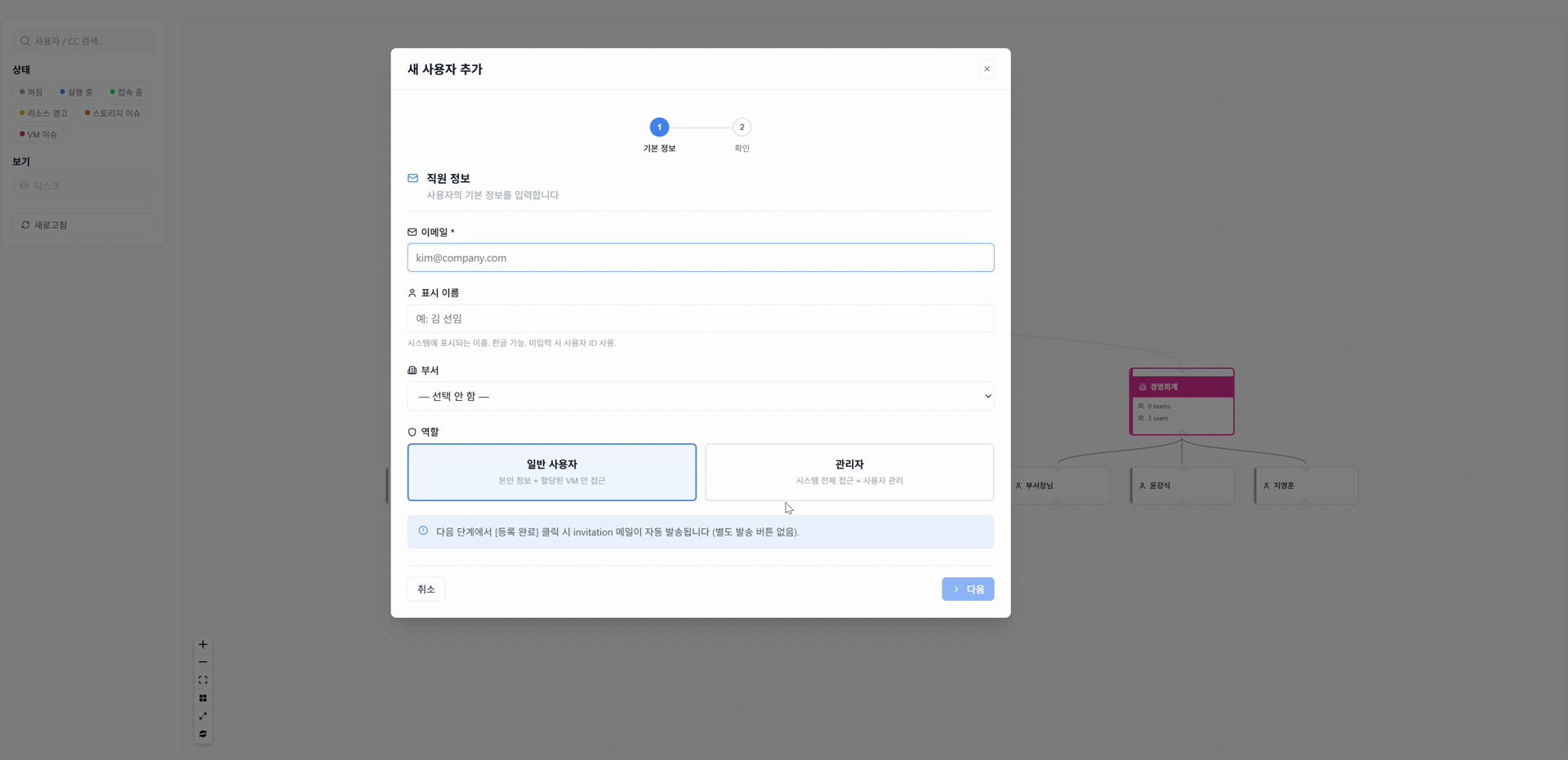
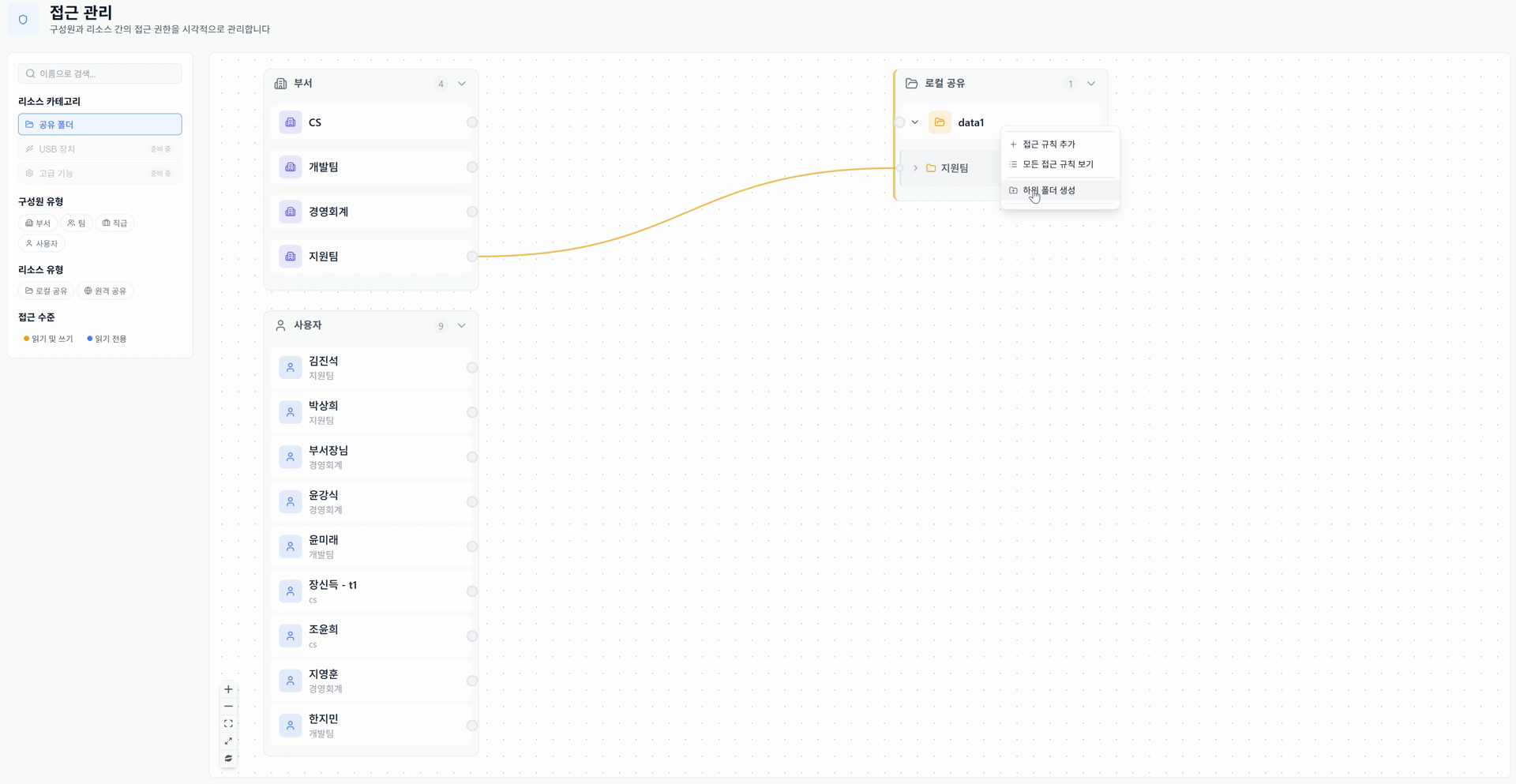
Place people, teams, and shared folders on one screen. No digging through Windows share settings one by one.
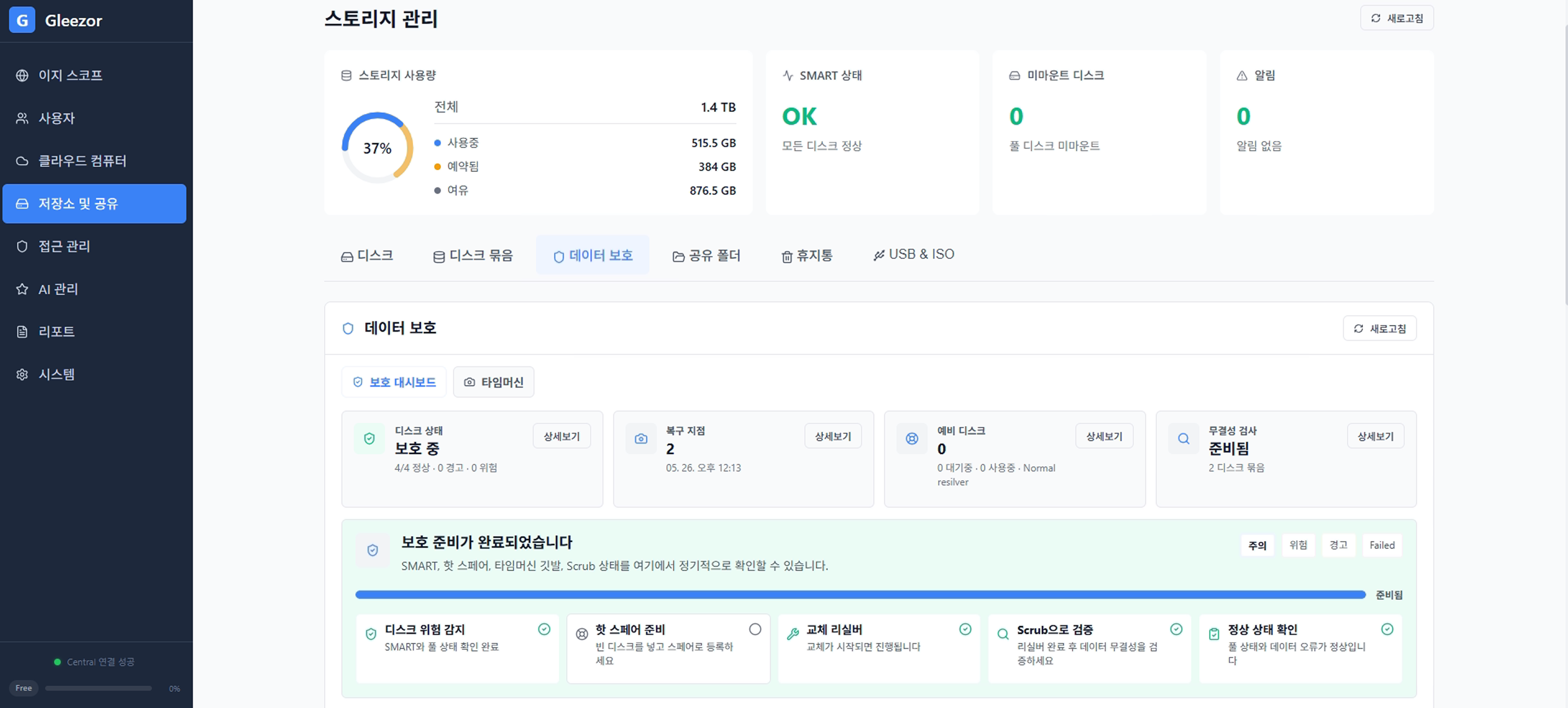
Storage and protection status are shown in plain language. Deleted files can be recovered from snapshots.
Employees open the same work computer from the office, home, or the road. Data stays central while the screen follows them.
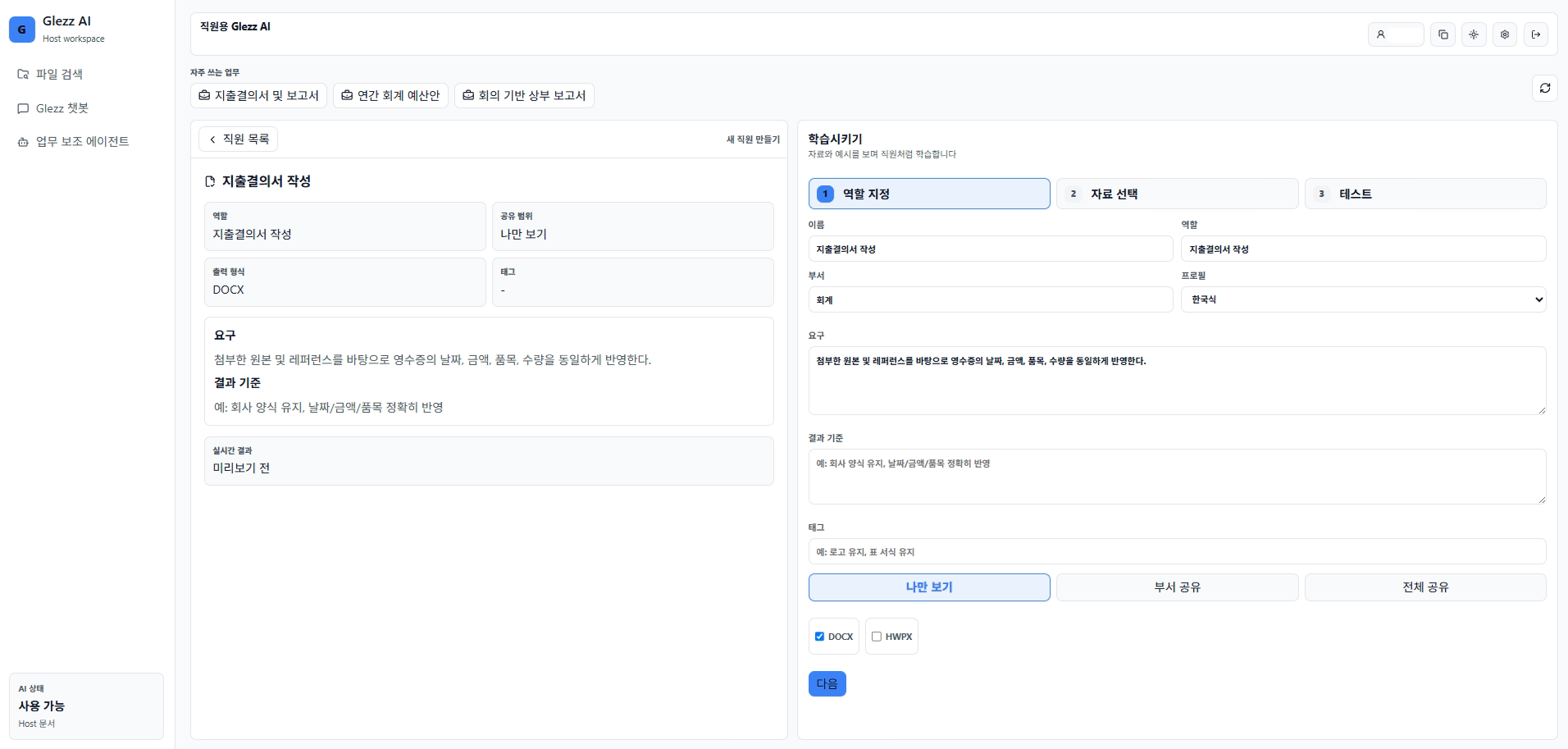
Use stored documents for chat and AI work assistance. Teach recurring document work once, then reuse it.
File servers, private AI, and cloud computers are brought into one central operating flow.
Gleezor is two products plus two components inside them. Check that you are in the right place.
Offices with 10–49 people that want setup and operations handled for them
Files, backup, employee workspaces, and the AI staff on one company server. We handle hardware, installation, training, and operations — no computer knowledge needed.
Start: Contact us, then decide after a trial
Individuals and SOHO users comfortable installing it themselves
File storage, backup, and document AI you install on your own computer. Free to start, with hands-on settings.
Start: Free download, self-install
Employees at companies using Gleezor
The Windows app that opens your work screen. Not sold separately — it comes with the products above.
Start: Free download, sign in with your company account
Users of both products
The in-house AI staff that answers from permitted documents and drafts recurring paperwork. Included in both products, not sold separately.
Start: Start with Enterprise or NAS & AI